All apps
Pixel Avatar
Pixel Avatar: Pixel Art Maker
Turn a selfie into a pixel art avatar. Made on your phone, never uploaded.
Screenshots
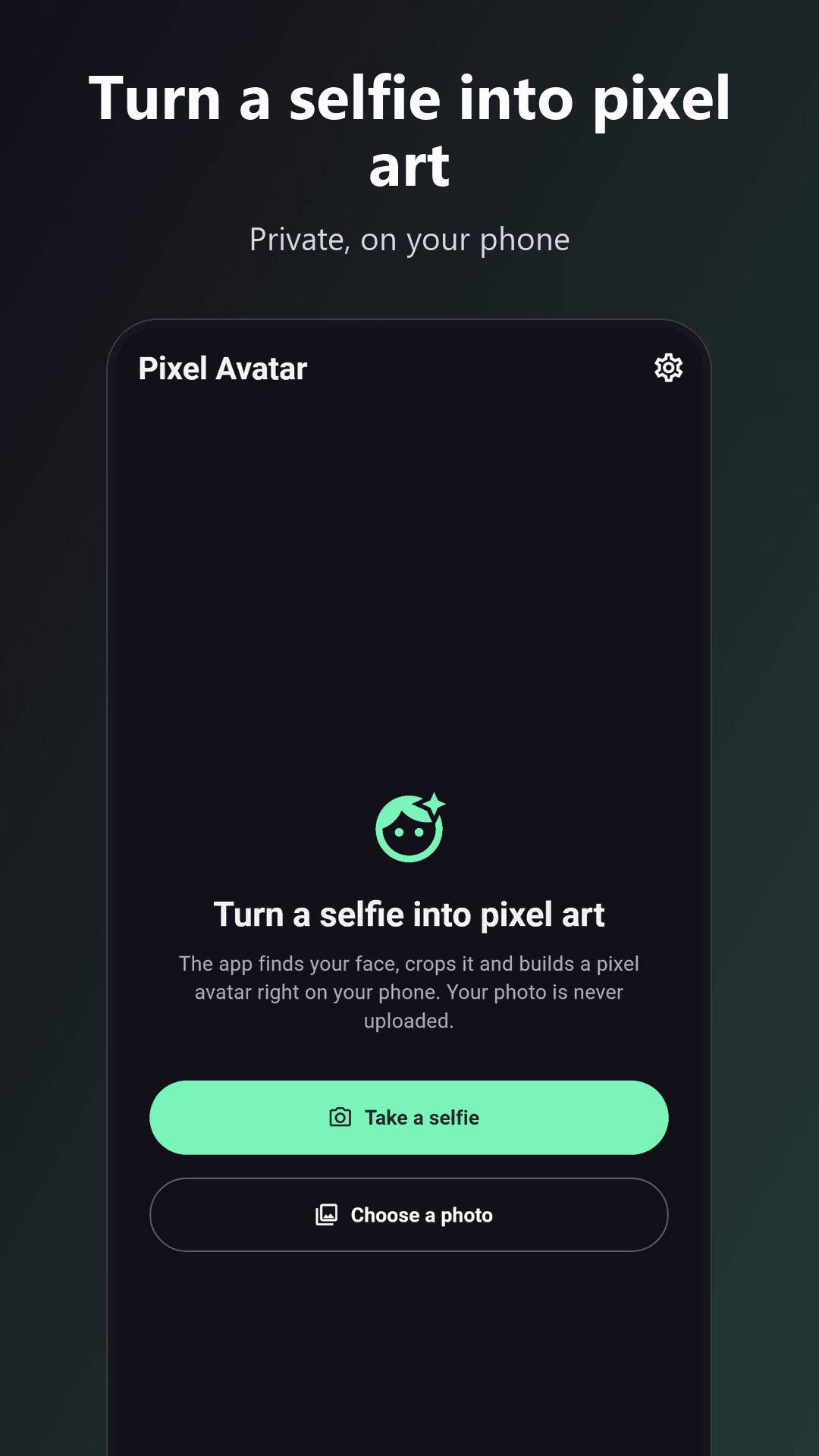
Turn any selfie into a pixel art avatar in seconds. Pixel Avatar finds your face, crops your head and shoulders, and rebuilds the picture from a small grid of big, chunky pixels in a fixed retro colour palette. Everything happens on your phone: your photo is never uploaded.
HOW IT WORKS
- Take a selfie or choose a photo from your gallery.
- The app finds your face on the device and crops a square around your head and shoulders. If it cannot find a face, you drag a square over it yourself.
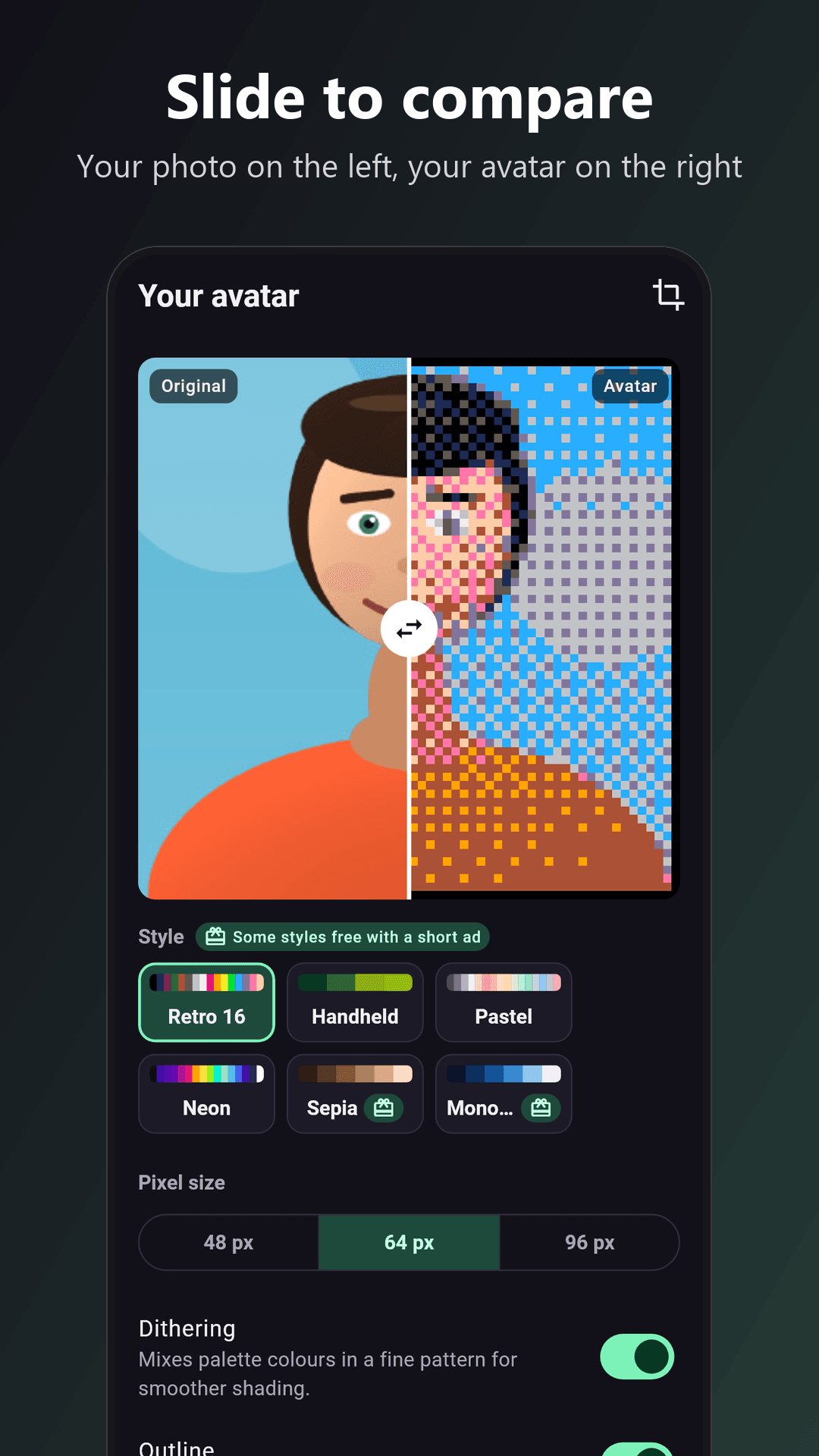
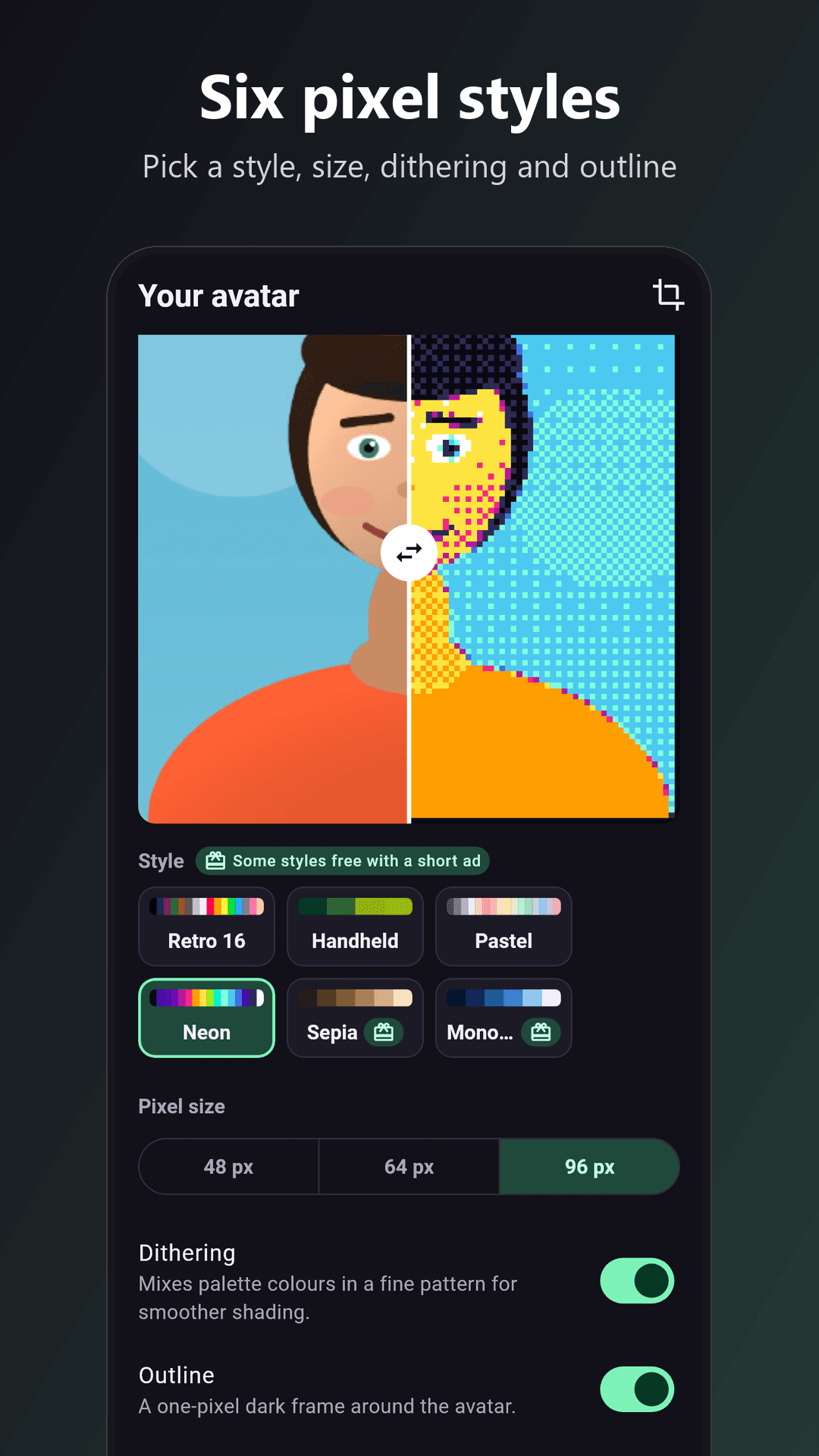
- Pick a style, a pixel size and your finishing touches. Slide the handle to compare the original with your avatar.
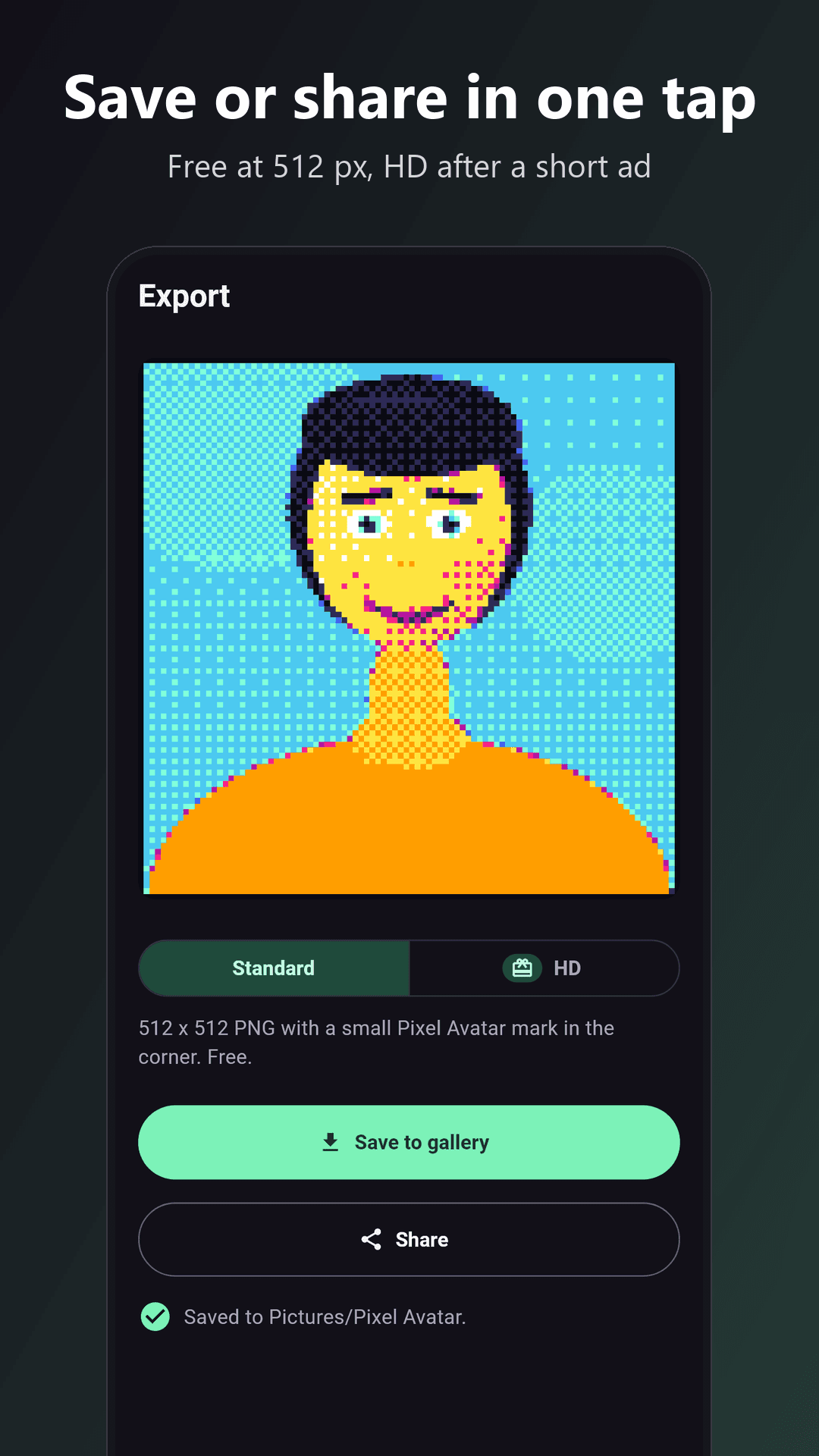
- Save the PNG to your gallery or share it straight to your profile, chats and games.
WHAT YOU GET
- Real pixel art: your photo is shrunk to 48, 64 or 96 pixels and every pixel is snapped to the palette, then shown with sharp, square edges
- Retro 16: a classic 16-colour console palette
- Handheld: four tones of green, like an old pocket game screen
- Pastel: soft, sweet colours
- Neon: bright arcade colours on a dark base
- Sepia: warm brown tones, like an old photograph
- Mono blue: shades of one blue, from deep navy to ice
- Dithering: an optional fixed checker pattern that mixes palette colours for smoother shading, the same result every time
- Outline: an optional one-pixel dark frame around your avatar
- Compare slider: drag between your original photo and the finished avatar
- Face crop on your phone: head and shoulders, centred on your face, with a manual square crop as a backup
FREE, WITH ONE SHORT AD PER AVATAR
- Watch one short ad before you pick a photo, and that avatar is yours with every style, every pixel size, dithering, outline, save and share included
- Every save is the HD export: a 2048 x 2048 PNG with no mark on it
- Change the style and save again as often as you like, no second ad for the same photo; a new photo asks for a new ad
- If no ad can be loaded, you go in anyway
- No banner ads, no full-screen ads between screens, no subscription, nothing to buy
PRIVATE BY DESIGN
- Your selfie, the face detection and the avatar all stay on your phone
- No account, no sign-up, no cloud, no analytics from us
- The camera is the one built into your phone, and the app asks for no camera or storage permission
- Avatars are saved to Pictures/Pixel Avatar
- The only network use is for the rewarded ad (Google AdMob)
GOOD TO KNOW
- Works best with a clear, front-facing photo in good light
- The 96-pixel size keeps more detail, the 48-pixel size looks the most retro
- Use the crop button on the style screen to move or resize the square at any time
WHO IT IS FOR
- Anyone who wants a retro profile picture for a game, a chat app or a social account
- Streamers, players and community admins who need a quick pixel icon
- Pixel art fans who want to turn photos of friends into sprites
Privacy policy: see the link on this page.