All apps
FaceCam Rec
FaceCam Rec: Screen Recorder
Free screen recorder with face cam: watch one short ad, record one video.
Screenshots
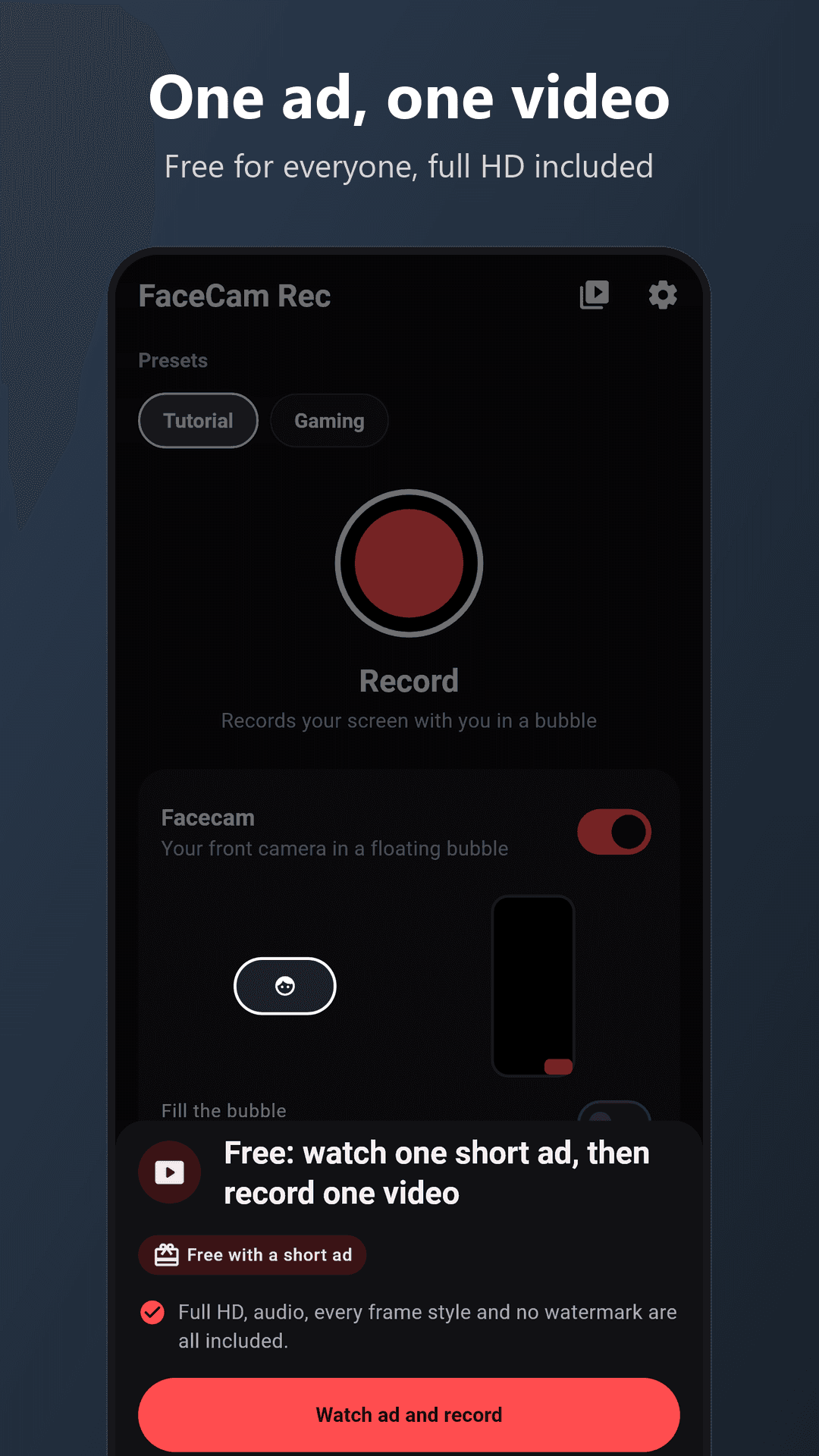
Free: watch one short ad, then record one video.
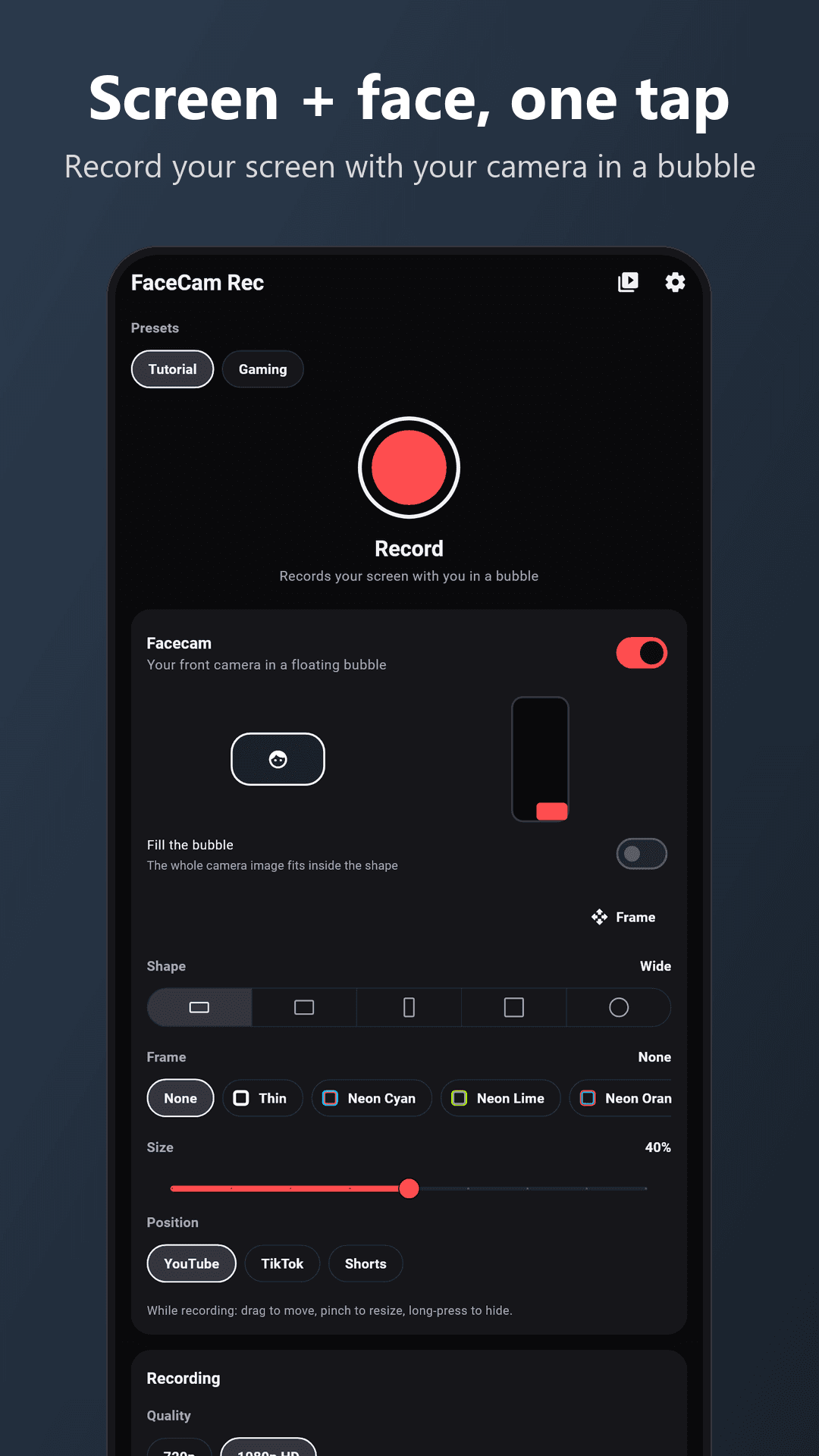
Record your screen and your face at the same time. FaceCam Rec is a screen recorder with a face cam: your front camera floats in a bubble on top of your screen while you record, so you can make reaction videos, gameplay clips, tutorials and walkthroughs in one take.
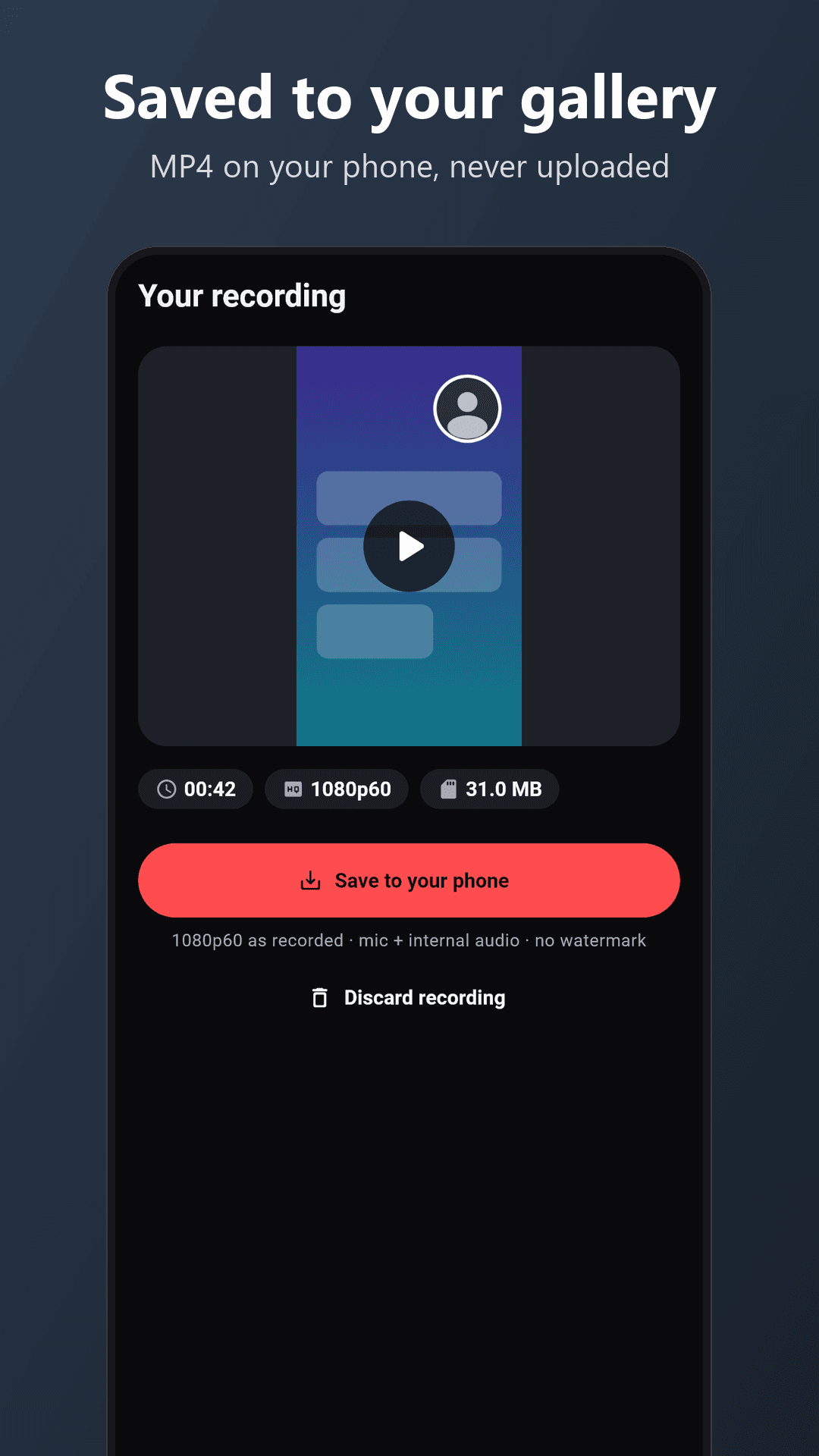
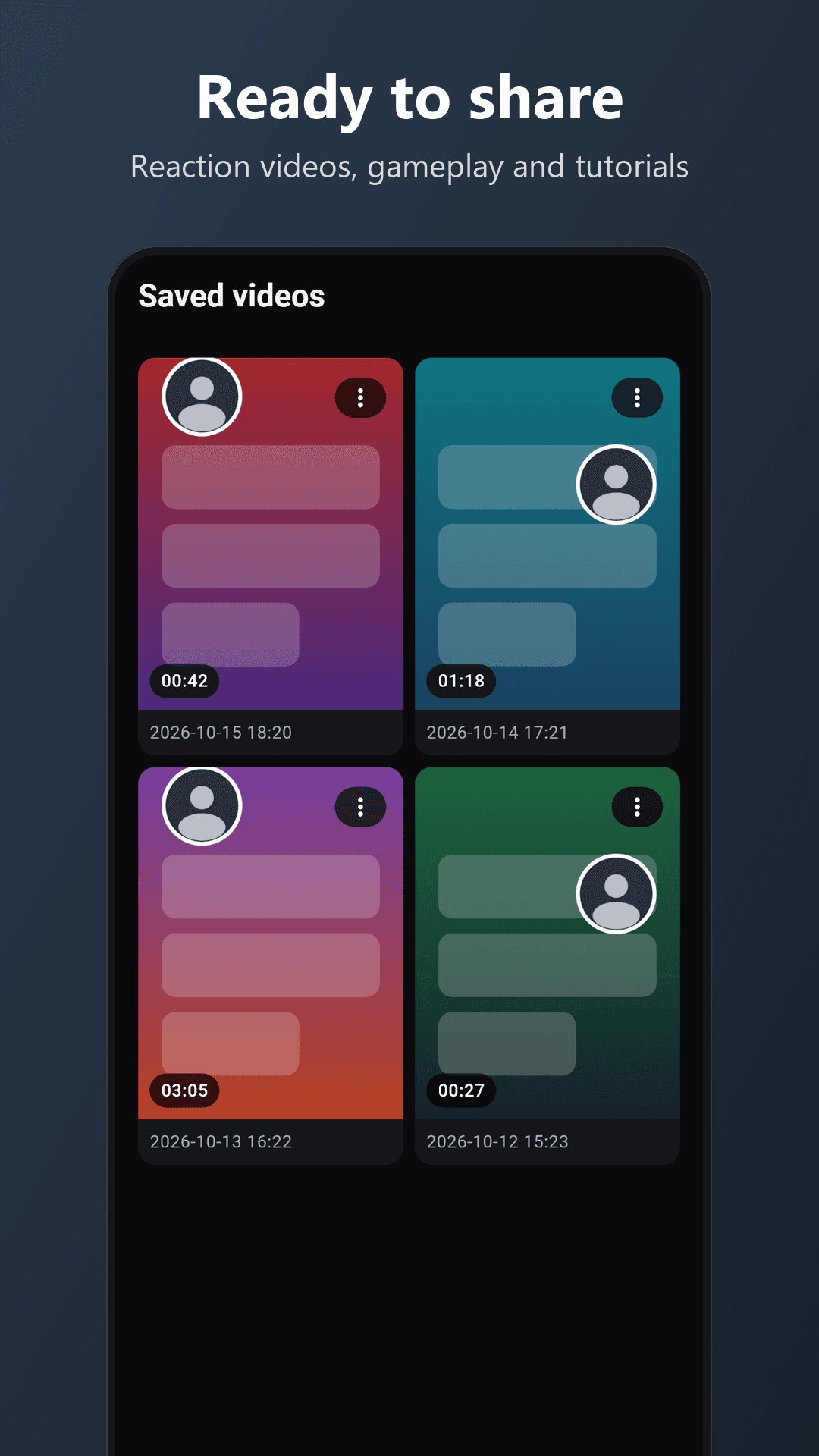
Your recordings are saved straight to your phone's gallery. They never leave your device.
WHAT YOU GET
- Screen recorder with a face cam: the front camera shows in a bubble over everything you record
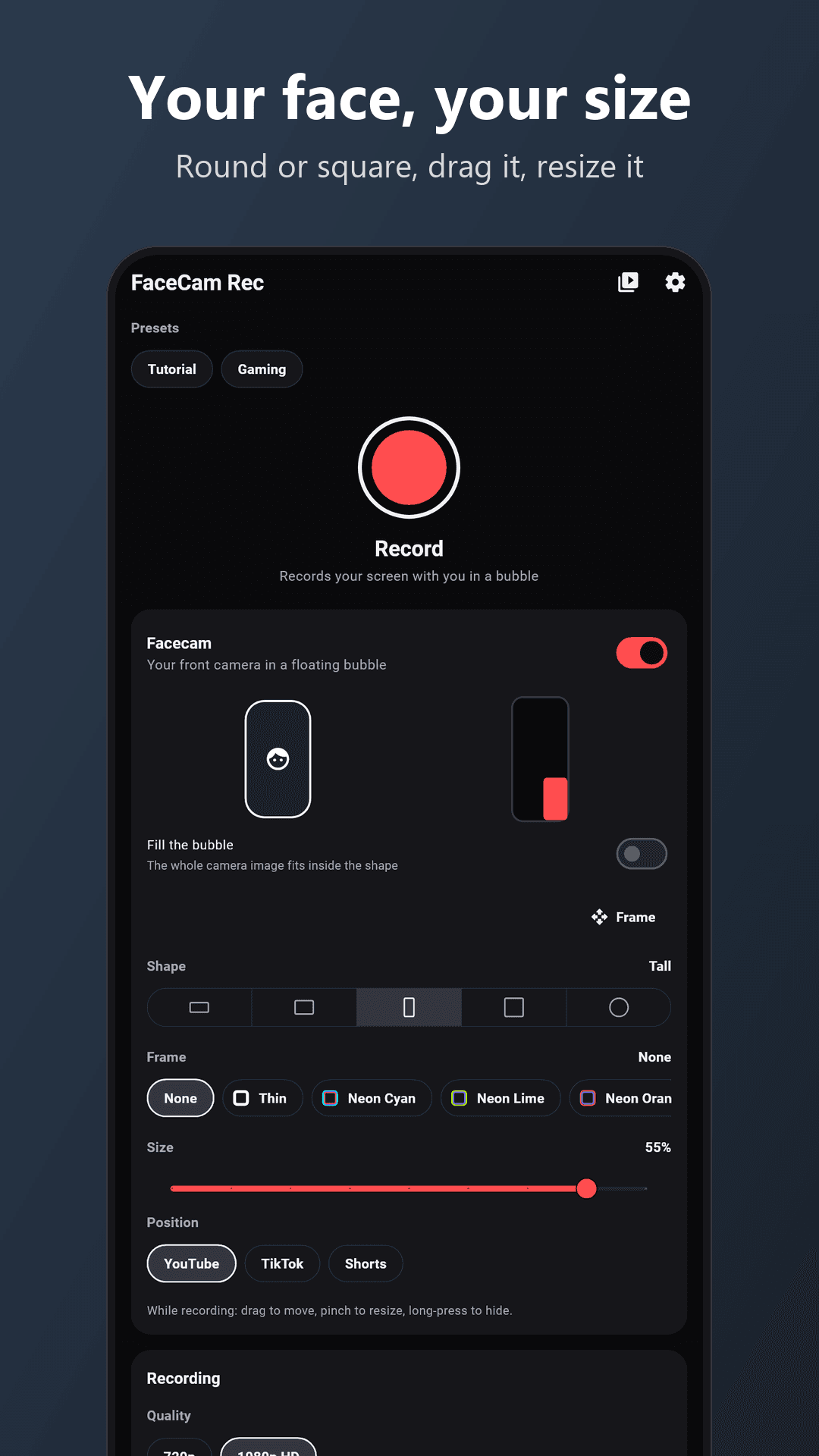
- Resizable, draggable bubble: round or square, move it anywhere, make it as big or small as you like
- Resize while recording: pinch the bubble or drag its corner grip, no need to stop
- Quick buttons: tap the bubble for resume, smaller, bigger, hide and stop. The recording pauses while they are open, so they never show in your video
- 12 frame styles for the bubble: thin, neon, gold, rose gold, silver, glass and more
- Tutorial and Gaming presets set the bubble, frame and audio in one tap
- Canvas: Auto, Portrait or Landscape, so gameplay stays landscape even when you hold the phone upright
- Microphone audio, so you can talk over your screen
- Internal audio: record the sound your phone plays, such as game or video sound, together with your voice
- Countdown before recording starts, so you can get ready
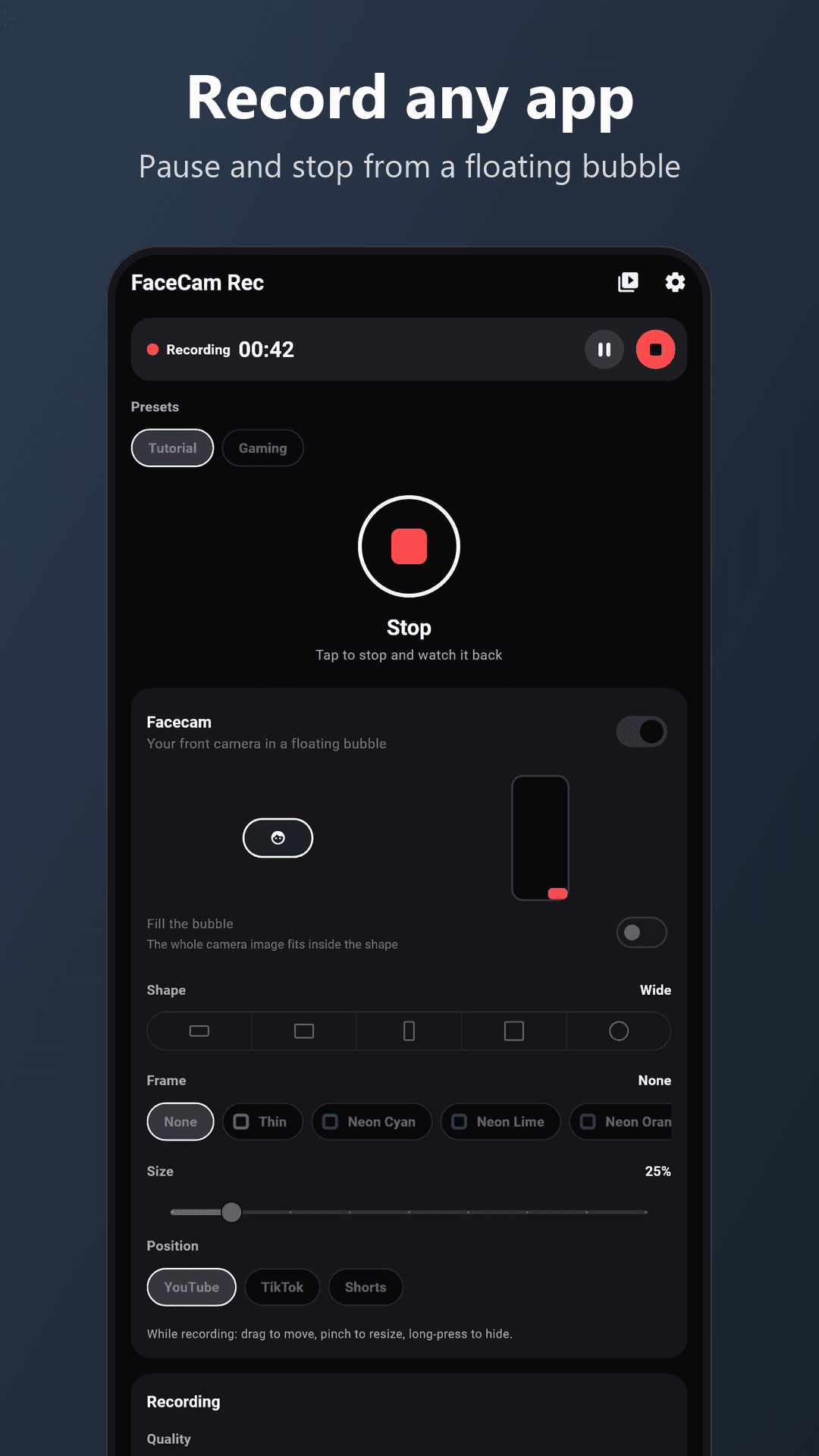
- Pause and resume from a floating control bubble or from the notification, even while another app is open
- Saves as MP4 to your gallery (Movies/FaceCam Rec), ready to share or edit
HOW IT WORKS
- Choose your bubble: round or square, small or large.
- Tap record and allow Android's screen capture.
- After the countdown, use any app. Pause, resume or stop from the floating bubble.
- Tap stop. Your video is saved to the gallery.
FREE: ONE SHORT AD PER VIDEO
- The app is free. Before each recording you watch one short ad, and that ad gives you that one video.
- Everything is included for everyone: full HD (1080p at 60 fps), internal audio, every frame style and no watermark.
- No account, no subscription, no payment.
- If no ad can load, for example when you are offline, the recording starts anyway.
PRIVATE BY DESIGN
- Recordings are made and saved on your phone only. Nothing is uploaded.
- No account, no sign-up, no analytics from us
- Android's own capture indicator stays visible while you record
- The only network use is for ads (Google AdMob)
GOOD TO KNOW
- Please respect other people. Recording their screens, calls or voices may need their consent. The app reminds you of this on first use.
- FaceCam Rec has no phone call recording feature.
- The camera bubble and the floating controls use Android's "display over other apps" permission. The app asks for it once.
- Some apps block screen capture of their own content, such as certain video or banking apps. In that case Android records a black screen for that app.
WHO IT IS FOR
- Reaction video makers and streamers who want their face on screen
- Gamers recording gameplay with commentary
- Teachers, trainers and support teams making how-to videos
- Anyone who wants to show a friend or colleague exactly what is on the screen, and say it out loud
JabbieWorld, https://jabbie.world
Privacy policy: see the link on this page.