

PhotoSweep
PhotoSweep: Storage Cleaner
Find duplicate photos, similar shots and big files. Free up space on your phone.

Screenshots
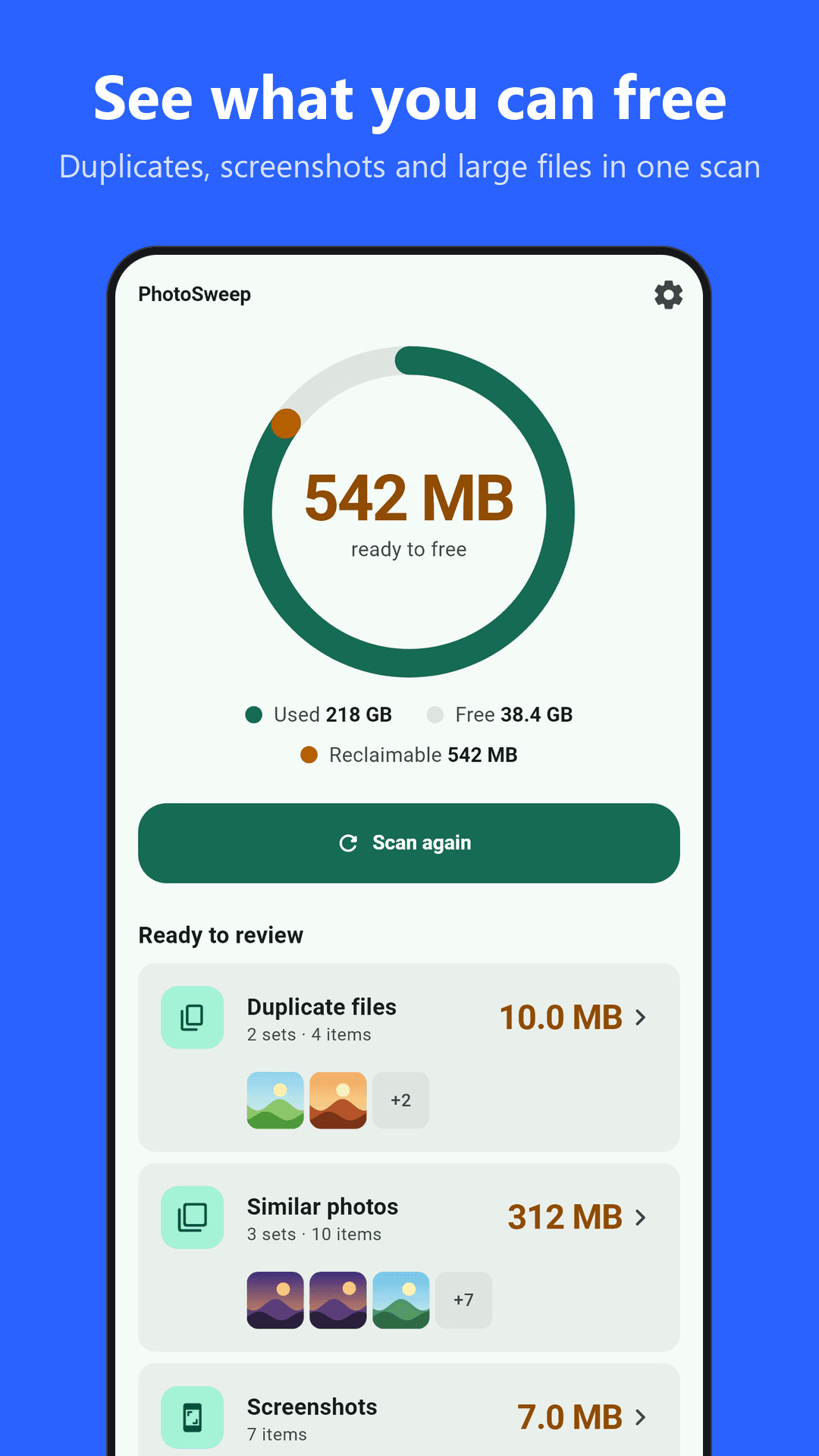
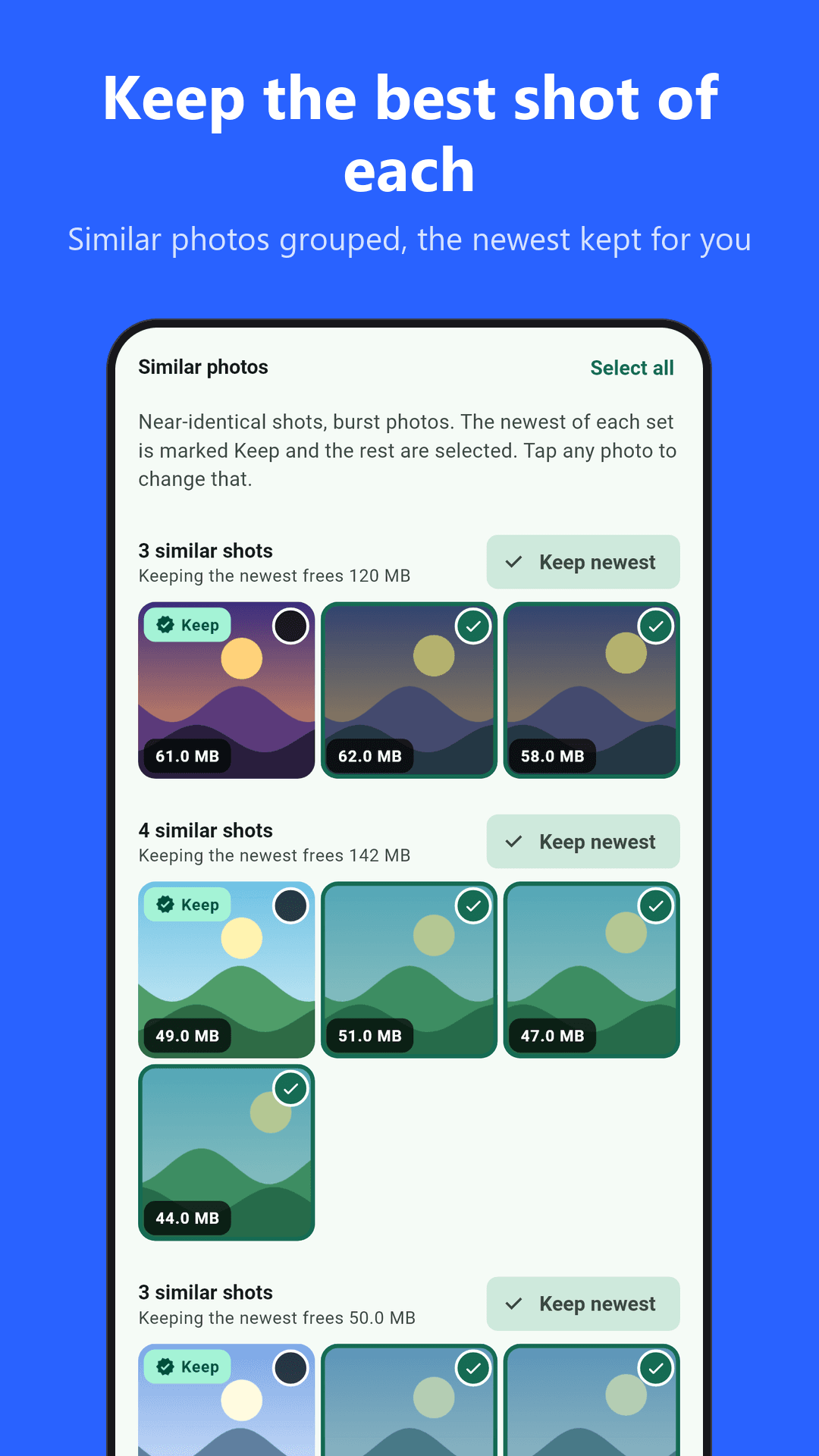
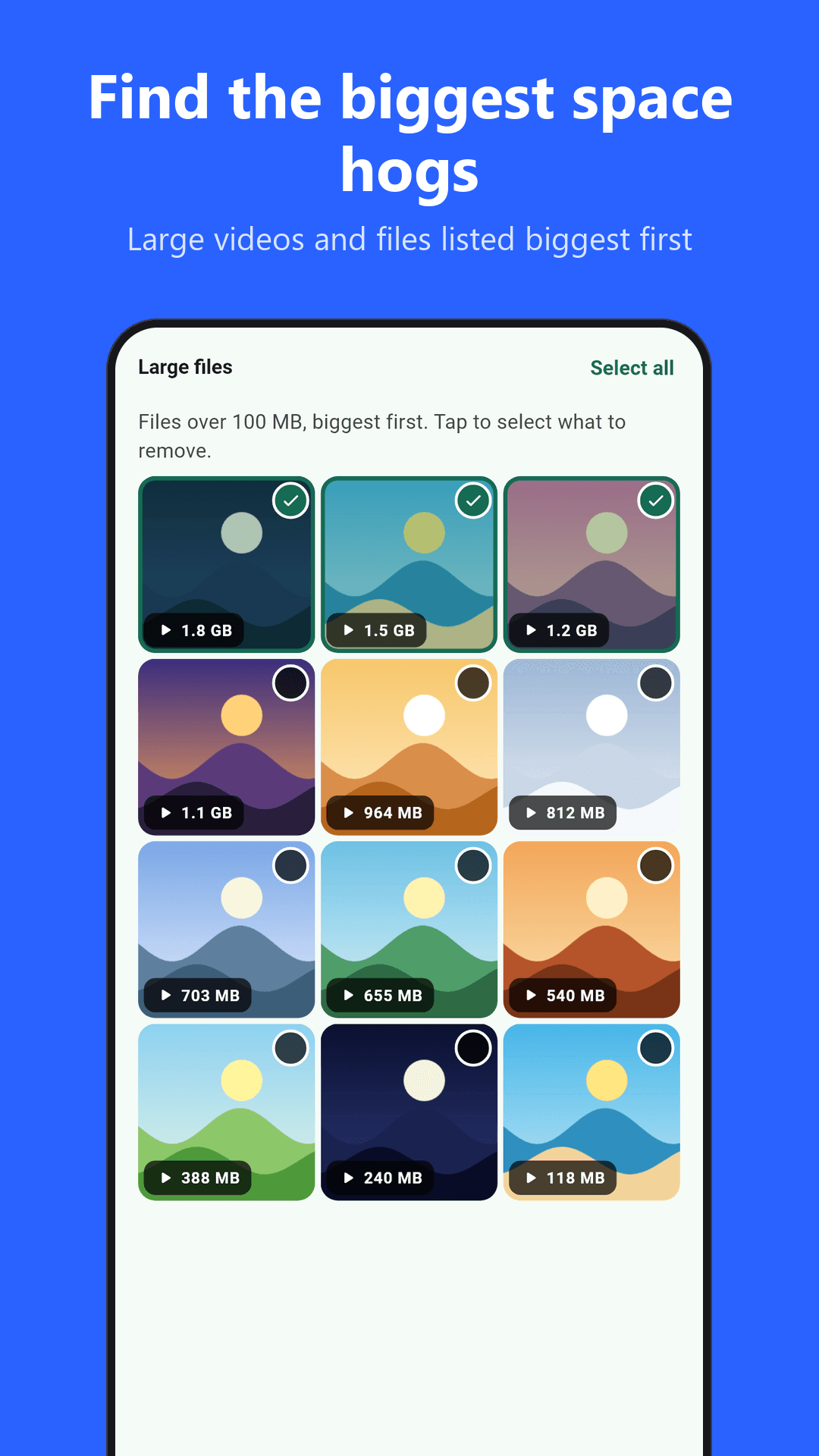
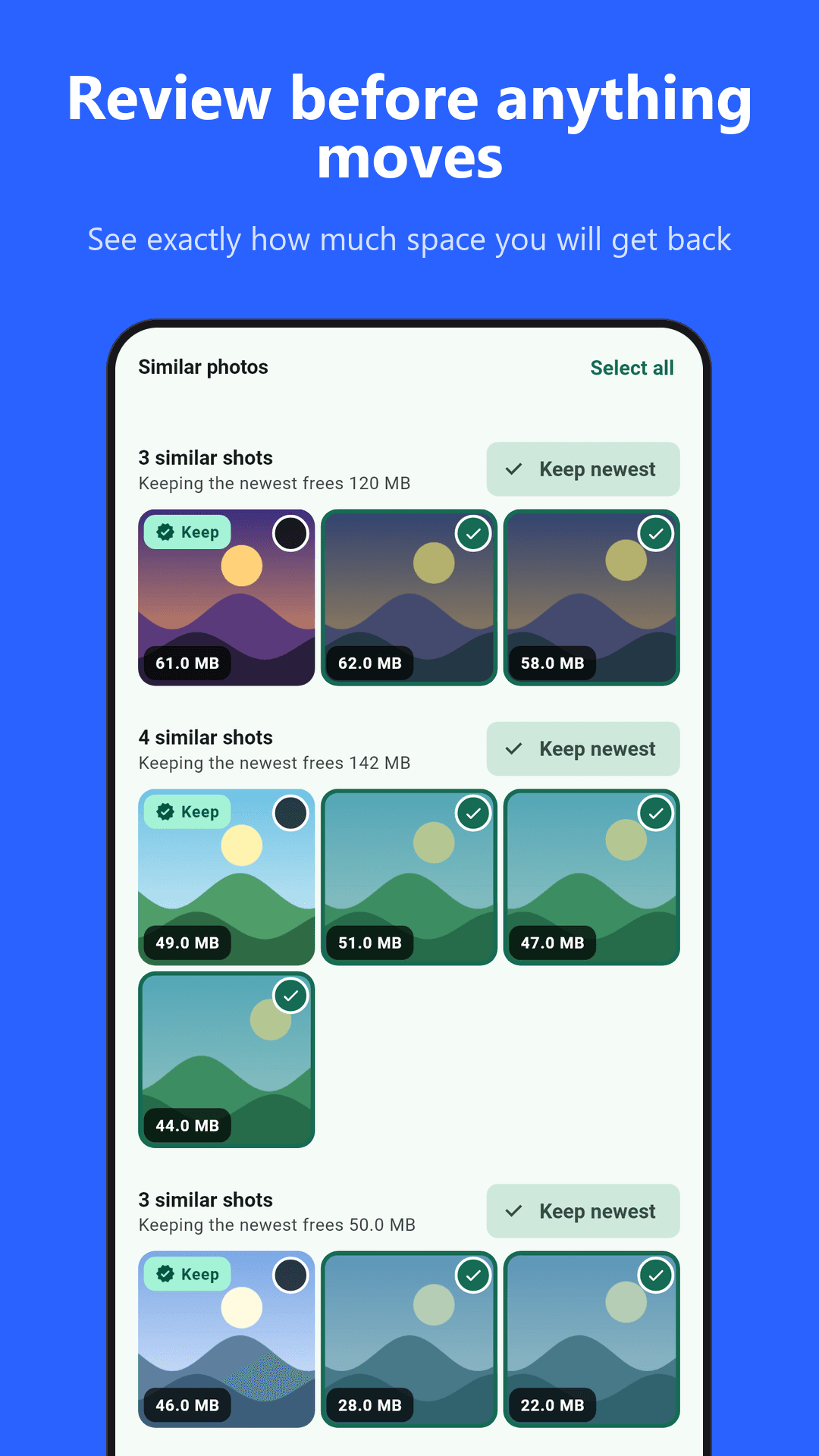
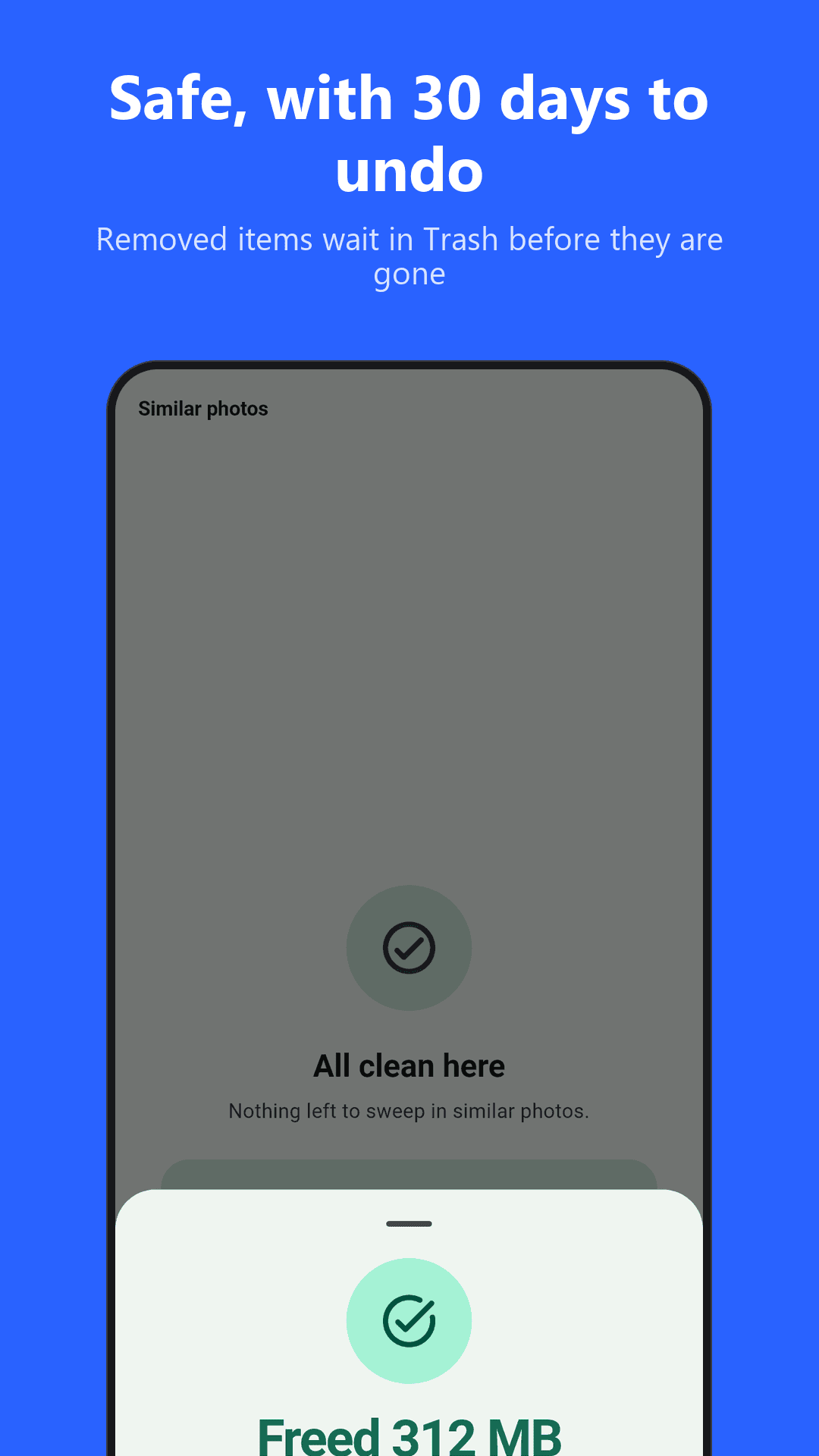
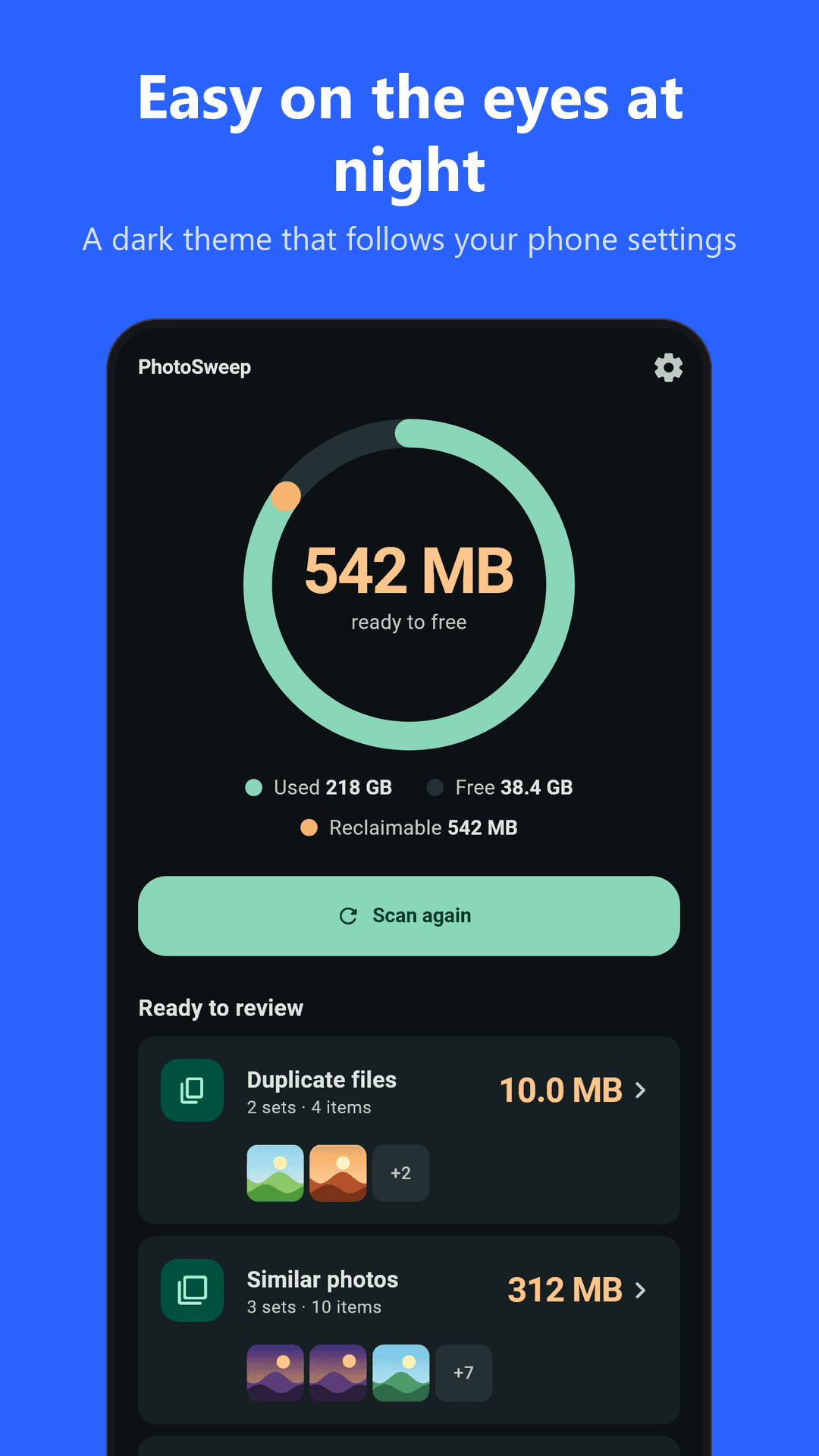
Running out of space? PhotoSweep finds duplicate photos and videos, similar photos, screenshots, large files and WhatsApp media on your phone, so you can review them and delete only what you choose.
Everything happens on your device. Your photos and videos are never uploaded anywhere.
WHAT PHOTOSWEEP FINDS
- Exact duplicate photos and videos: identical files, found by comparing their content, not just their names
- Similar photos: near-identical shots and bursts, grouped so you can keep your favorite
- Screenshots: the old ones you no longer need
- Large media files: videos and photos over 100 MB, biggest first
- WhatsApp media: received and sent images and videos in one place
HOW IT WORKS
- Allow access to your photos and videos.
- Pick a category and let the scan run.
- Review the results, tick what you want to remove, and confirm.
Nothing is deleted unless you select it and confirm in Android's own dialog. By default items go to the system Trash, where you can restore them for about 30 days. You stay in control of every file.
PRIVATE BY DESIGN
- Scanning and comparison run locally on your phone
- No account, no sign-up, no cloud upload of your media
- The app only asks for the permissions it needs to read your photos and videos
- The only network use is for the ad (Google AdMob)
FREE, WITH ONE SHORT AD
PhotoSweep is free. Watch one short ad and scanning and cleaning are open for an hour. If no ad is available, you still get in. There is nothing to buy.
WHO IT IS FOR
- Anyone whose phone keeps saying "storage almost full"
- People with years of camera roll clutter, burst photos and screenshots
- Heavy WhatsApp users with lots of forwarded images and videos
TIPS
- Start with exact duplicates: they are the safest to remove
- Check similar photos before deleting, since you decide which one to keep
- Sort large files by size to free the most space in the fewest taps
JabbieWorld, https://jabbie.world
Privacy policy: see the link on this page.