
Voice Prompter
Voice Prompter: Teleprompter
Read your script to camera without losing your place. Free, offline, no account.
Screenshots
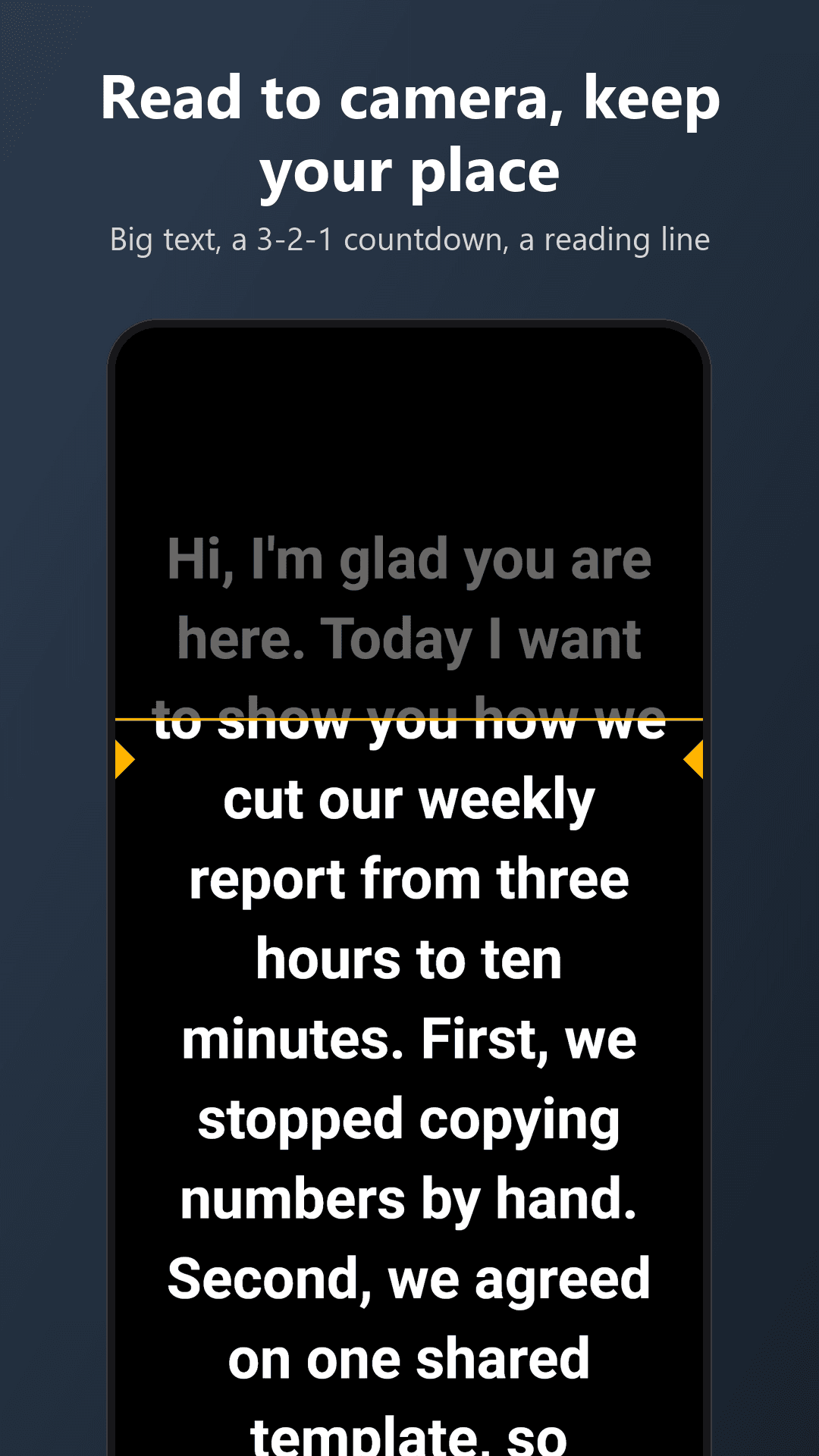
Voice Prompter shows your script full screen and keeps your place while you read it to the camera. Write or paste the text, tap Read, and look at the lens.
MADE FOR ONE JOB
Videos for social media, talks, pitches, voice-overs, school work: read a script without learning it by heart and without staring at the corner of the screen.
YOUR SCRIPTS
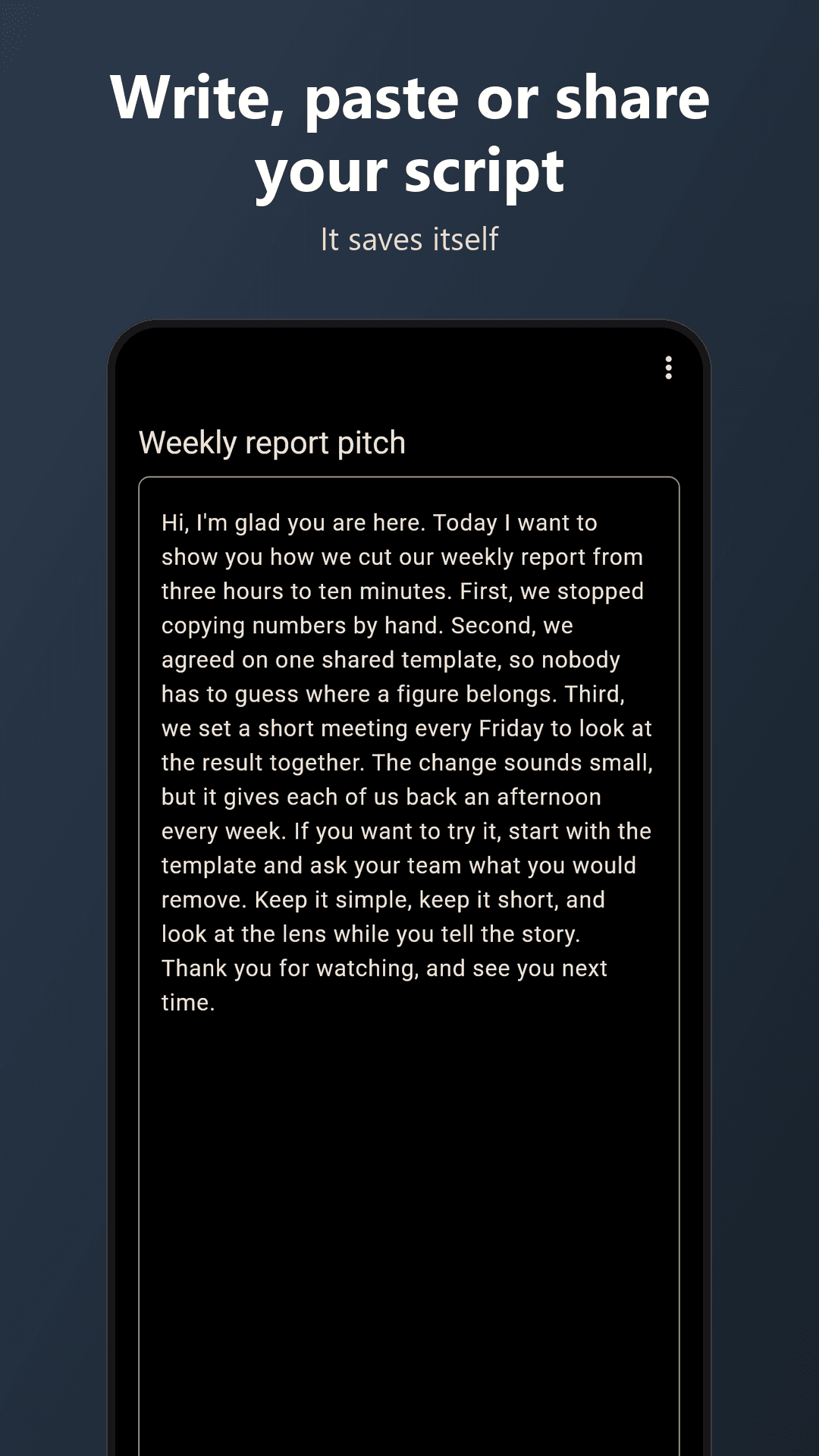
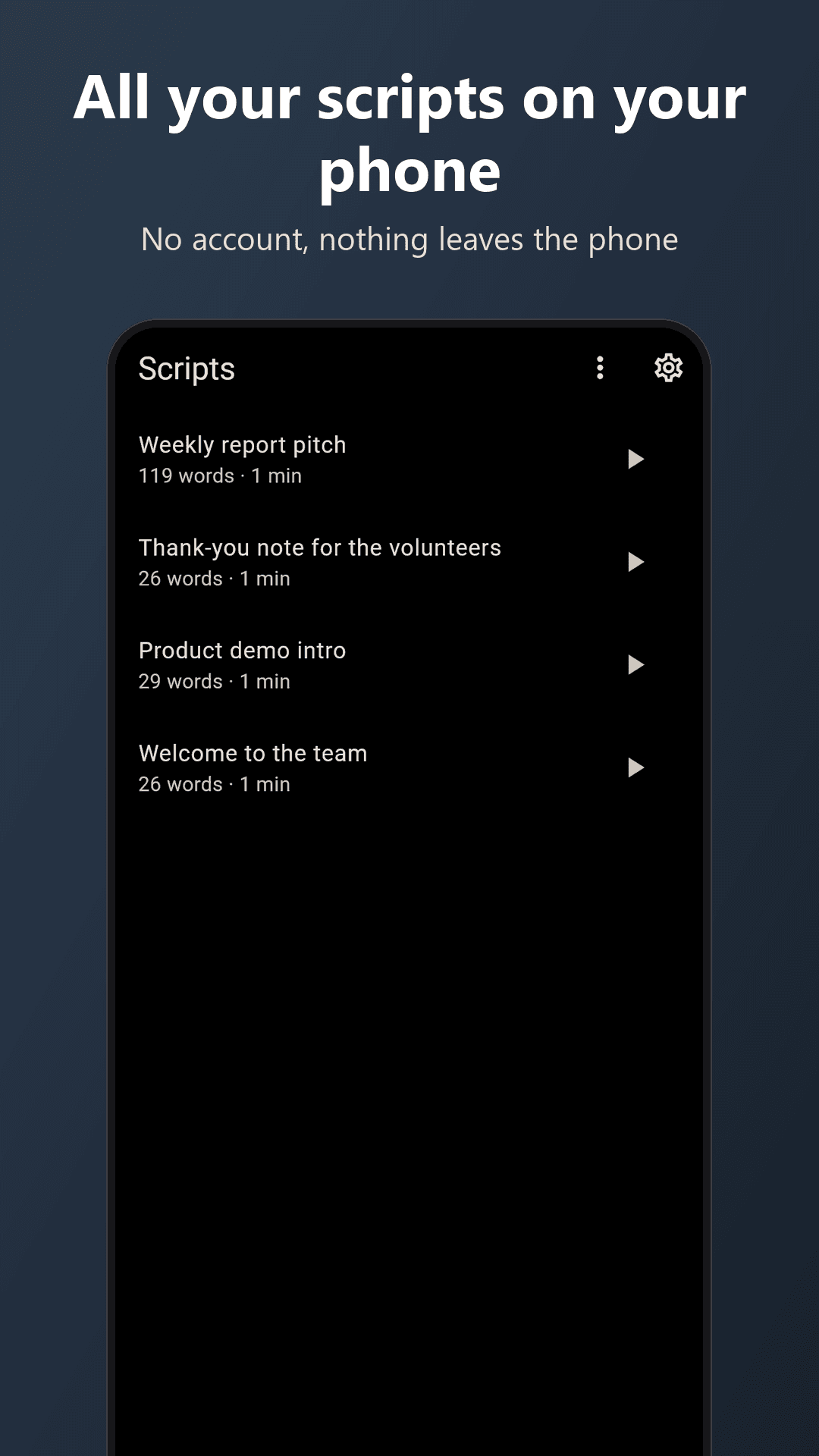
- Type a script, paste it, share text to the app from any other app, or open a .txt file
- Edit any time; changes save by themselves
- Swipe a script away to delete it, with Undo
- Scripts stay on your phone
THE PROMPTER
- Big white text on black, in portrait or landscape
- A 3-2-1 countdown before the text starts to move
- Tap to pause, tap to carry on; drag the text to move it
- Volume keys move the text one line back or forward
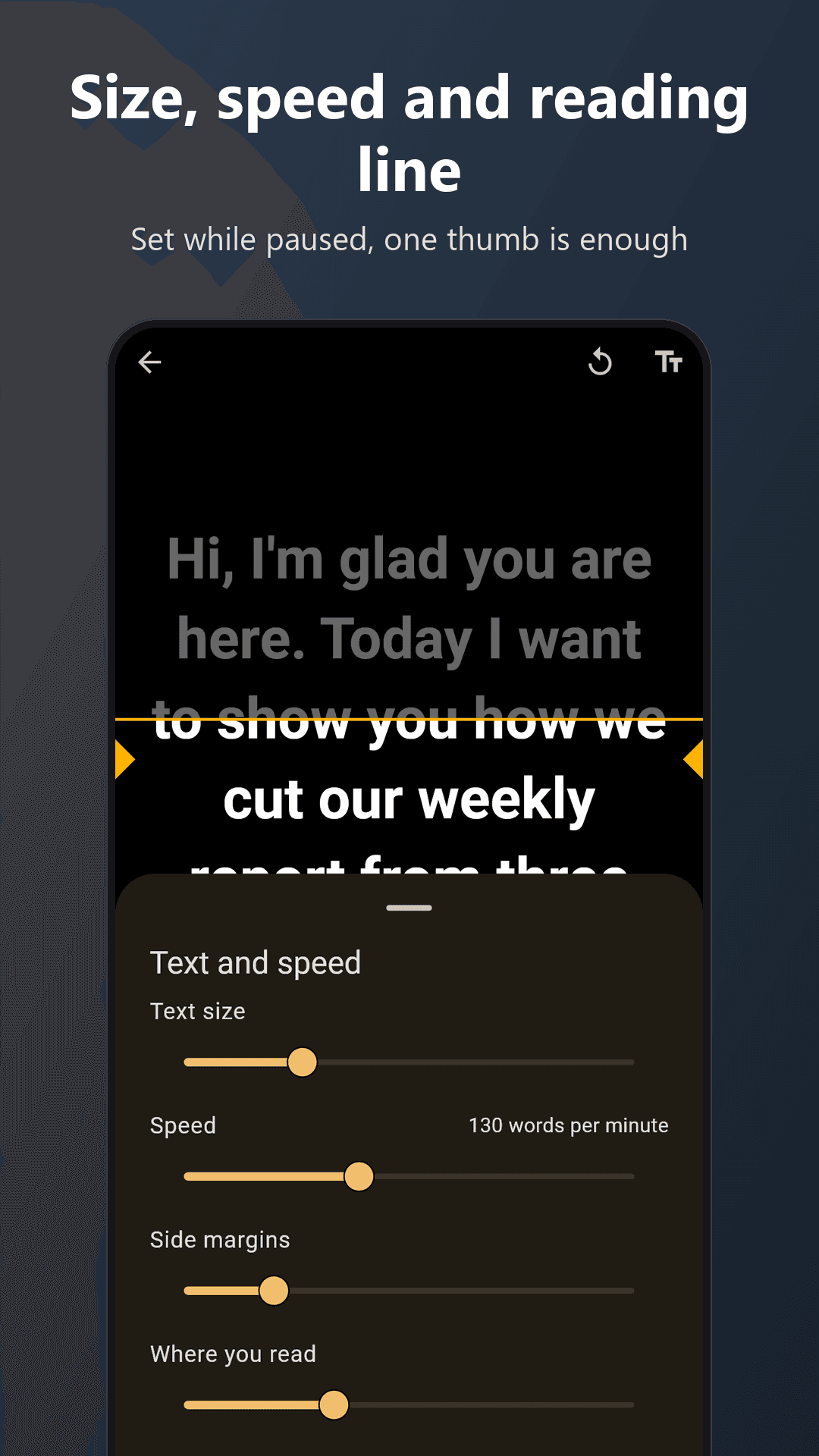
- Set the text size, the speed, the side margins and where the reading line sits
- Mirror mode for a teleprompter glass
- The screen stays awake while you read
RECORD YOURSELF
Tap Record and the front camera shows a small picture at the top of the screen with your script right under the lens, so your eyes stay close to it. The text counts down 3, 2, 1, the video starts, and the text begins to move. Tap Stop and the video is saved to your gallery. The app asks for the camera and microphone only when you tap Record, and says why. If you say no, the prompter still works.
FOLLOW MY VOICE
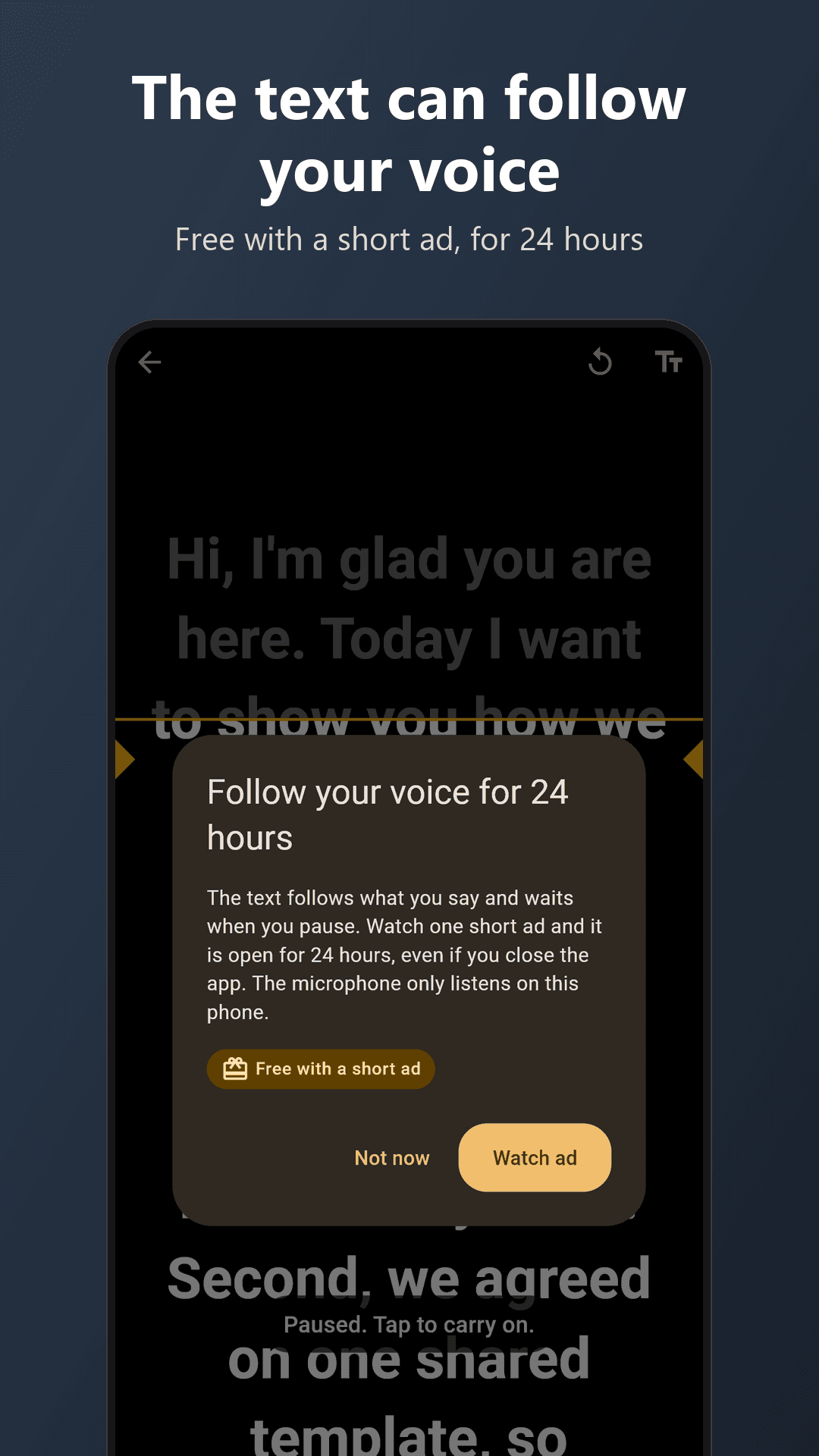
Tap Follow my voice and the text follows what you say. It waits when you pause, catches up when you carry on, and forgives a small slip or a skipped word. If it loses your place it says so; drag the text to the line you are on. You can choose the spoken language for each script.
- The speech is understood on your phone. After a one-time download of the voice files (about 117 MB) it works without internet.
- What you say is not recorded or sent anywhere.
- On some phones the camera and voice tracking cannot share the microphone while you record. Then the text keeps the speed you set, and the app tells you.
FREE, SIMPLE, PRIVATE
- Free: one short ad opens the prompter, voice tracking included, for an hour, enough for a whole recording session. Writing and editing scripts never need an ad
- If no ad is available, you can read and record anyway
- No account, no sign-in
- Nothing to buy and no subscription
- No banner ads and no pop-up ads; the only ad is the one you choose to watch
- Scripts, speech and videos stay on your phone
Privacy policy: see the link on this page.